
Start today
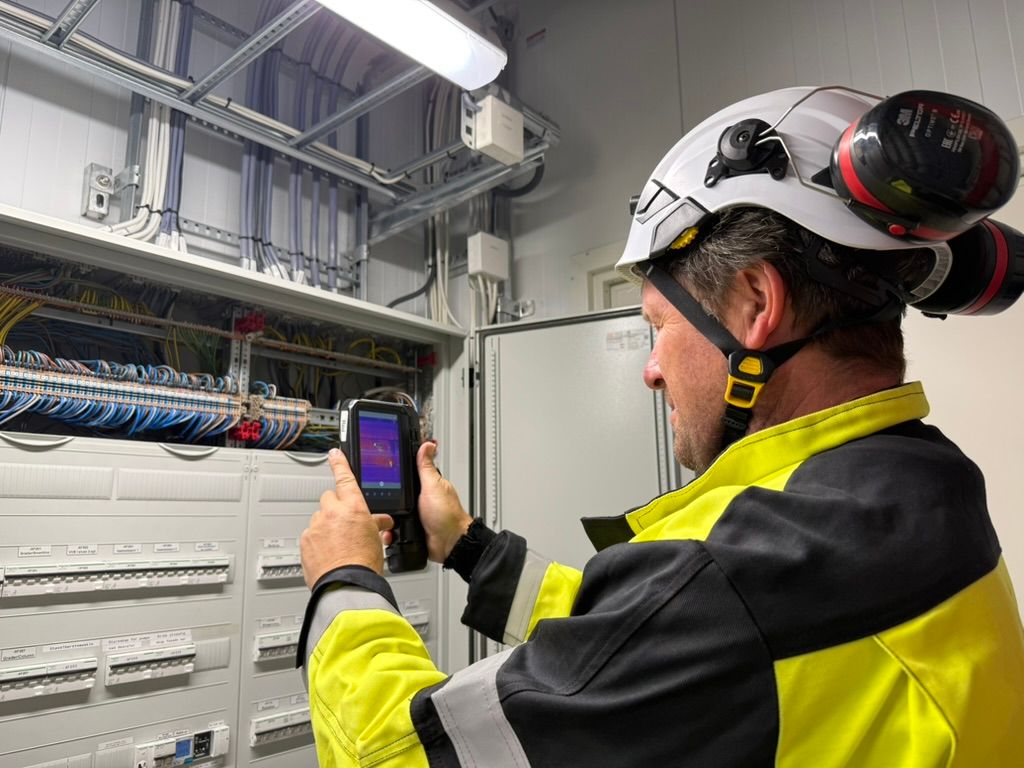
Get a FLIR i35 or i65 camera, choose the Thermidoc app in the camera's Appstore. You can start your inspection immediately. For evaluation purposes, you don't even need to register an account before start working with Thermidoc.
Free trial
Try Thermidoc free for 90 days. Explore every feature, risk‑free, before making a decision. The trial version has full functionality, and inspections you create during trial period, will be available also after you decide to purchace.
Create a new inspection report
To create a new inspection report, you must press the plus button at the bottom right of the image.
Enter the title that will appear on the front page of the report, select the language and enter the name of the customer, reference and email.
Press the "Create" button and it will be created.
More information
Here will came som mor details in text.
Create the report
To create a report, click the report button in the bottom menu. You will then be able to enter a conclusion and a summary of the inspection. When ready, generate a PDF report to see exactly what will be delivered to the customer.
More information
Here will came som mor details in text.
Create and share the report
To create a report, click the report button in the bottom menu. You will then be able to enter a conclusion and a summary of the inspection. When ready, generate a PDF report to see exactly what will be delivered to the customer.
More information
Here will came som mor details in text.
How to create and share a report
To create a report, click the report button in the bottom menu. You will then be able to enter a conclusion and a summary of the inspection. When ready, generate a PDF report to see exactly what will be delivered to the customer.
Create the report
To create a report, click the report button in the bottom menu. You will then be able to enter a conclusion and a summary of the inspection. When ready, generate a PDF report to see exactly what will be delivered to the customer.
More information
Here will came som mor details in text.
Inspection on site
Carry out the inspection on-site, capturing observations, images, and measurements. Record both thermal and visual findings, and describe each issue with severity levels and additional notes.
Generate the report
Enter your conclusion and summary, then generate a PDF report based on the inspection findings. The report can easily be shared with your customer via email or SMS.
Create the report
To create a report, click the report button in the bottom menu. You will then be able to enter a conclusion and a summary of the inspection. When ready, generate a PDF report to see exactly what will be delivered to the customer.
More information
Here will came som mor details in text.
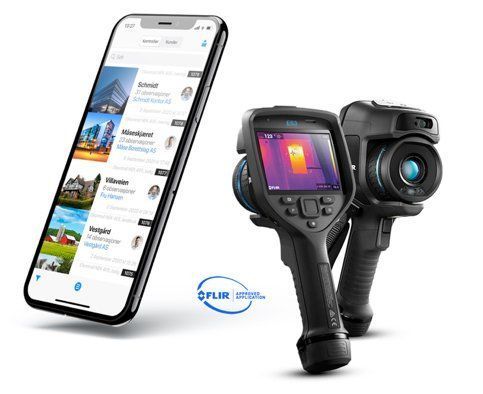
The STANDARD edition of Thermidoc is here
The Premium version will be launched soon
Thermidoc Pro will include a complete customer management system with building overviews, inspections, and contact persons – plus options for external access. You will also get predefined deviations, alerts on critical findings, checklists, and equipment registration for items such as distribution boards and motors.
The pro version will also run seamlessly on iOS and Android devices and let you connect your existing FLIR cameras to transfer images and adjust thermograms directly in the field.
If you are interested in try the Pro version, please leave your email, and we will keep you updated with information and notify you when it becomes available in the App Store or Google Play. Submit your email here.
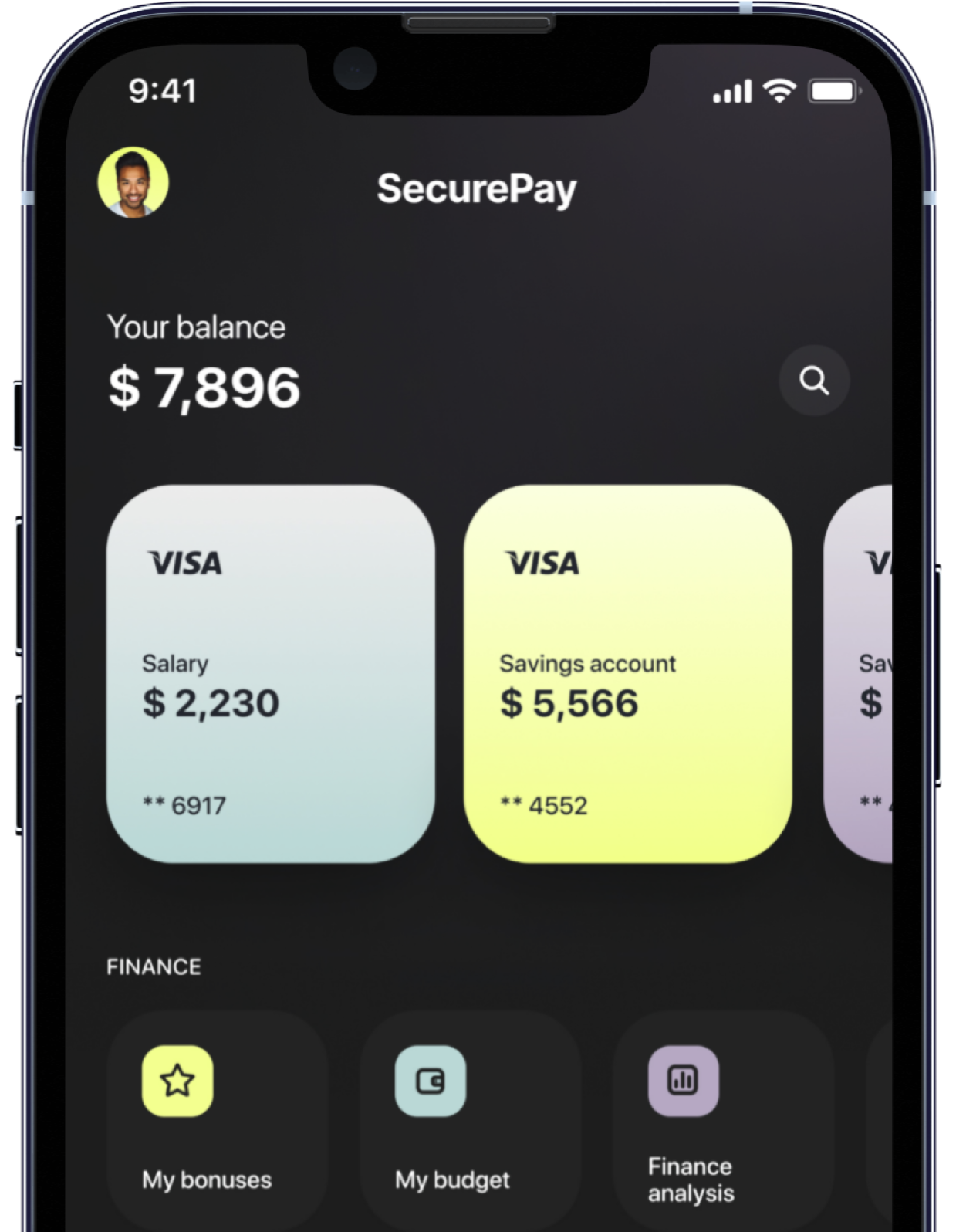
Instant transactions
Personalized insights
Real-time alerts
Efficient bill payments
Access key features, receive alerts, and manage your finances from the palm of your hand, ensuring banking fits seamlessly into your lifestyle.
One app.
One banking.
Contact Us
We will get back to you as soon as possible.
Please try again later.